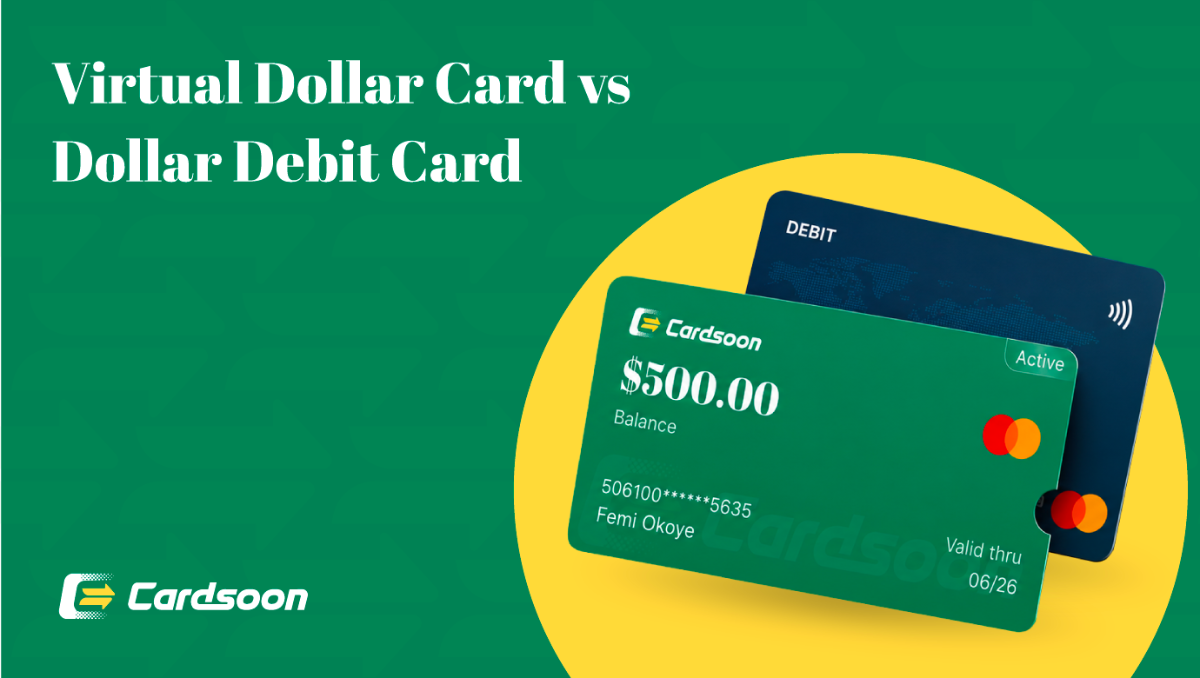
You can pay for a Zoom subscription in Nigeria with a Cardsoon virtual dollar card, funded straight from your naira wallet. It works because the card is denominated in USD, so Zoom's billing system accepts it the same way it accepts a US or UK card. In this blog, we'll show you the exact steps to set up the card, what Zoom plans cost, and why your regular bank card probably won't work.
Why Your Nigerian Bank Card Fails for Zoom Payments?
If you've tried paying for Zoom Pro with your GTBank, Access, or Zenith debit card and watched it get declined, you're not alone. Nigerian banks place strict caps on international transactions done in foreign currency, and recurring subscription charges are one of the first things that get blocked.
Even when a naira card does go through once, Zoom bills you monthly or yearly. The next charge can fail without warning, and suddenly your account downgrades back to the free plan mid-meeting cycle.
This isn't a Zoom problem. It's a Nigerian banking restriction that affects almost every naira-denominated card, regardless of which bank issued it.
How Much Does a Zoom Subscription Cost in Nigeria?
Zoom's pricing is set in US dollars, and Nigerian users pay the same rate as everyone else, converted at your card's exchange rate.
Zoom Pro: $13.33/user/mo
Zoom Business: $18.33/user/mo
Zoom Business Plus / Enterprise: $22.49/user/mo
Zoom's annual plans are typically cheaper per month than paying monthly, so if you use Zoom regularly for work or classes, the yearly plan usually saves you more in naira over a full year.
How to Pay for Zoom Subscription in Nigeria With a Virtual Dollar Card?
This is the most reliable method for Nigerians, since it doesn't depend on your bank's international spending limit.
Step 1 — Create a Cardsoon Virtual Dollar Card
Download the Cardsoon app, complete KYC verification with your BVN, and create a virtual dollar card. Card creation costs a flat $1, with no maintenance fees.
Step 2 — Fund the Card With Naira
Sell a gift card to get naira into your Cardsoon wallet, then load your virtual card. The naira-to-dollar conversion happens at a transparent rate you can see before confirming, so there's no guessing.
Step 3 — Add the Card to Your Zoom Account
Log in to your Zoom account on zoom.us
Go to Account Management → Billing
Click Add Payment Method
Enter your Cardsoon virtual dollar card details — card number, expiry, and CVV
Save
Step 4 — Upgrade Your Plan
Go to Plans & Pricing, select Pro, Business, or the plan you need, and confirm payment. Your account upgrades immediately.
Which Zoom Plan Should You Choose in Nigeria?
Before you upgrade, it helps to know what each plan actually gives you:
Basic (Free): 40-minute limit on group meetings, fine for quick calls
Pro: No 40-minute cap, cloud recording, ideal for freelancers and small teams
Business: Adds branding, admin controls, and higher participant limits — best for registered businesses
Business Plus/Enterprise: For larger teams needing advanced compliance and support features
If you host client meetings, webinars, or online classes regularly, Pro is usually the starting point most Nigerians need.
How to Fund Your Cardsoon Virtual Dollar Card for Zoom Payments?
You don't need a domiciliary account or a bureau de change to get dollars onto your card. On Cardsoon gift card trading app:
- Sell a gift card (Amazon, Apple, Steam, and others) to get funds into your wallet
- Go to Cards → Your Virtual Dollar Card
- Tap Fund Card and enter the naira amount
- Confirm the conversion rate shown before you approve
Load enough to cover at least one full billing cycle, plus a small buffer, so Zoom's auto-renewal doesn't fail due to insufficient balance.
How Long Does It Take to Set Up a Virtual Dollar Card for Zoom?
Card creation on Cardsoon is instant once your KYC is approved. From downloading the app to having a live card with a number, expiry date, and CVV takes under 5 minutes. Funding and adding it to Zoom takes a few minutes more, so you can realistically go from zero to an upgraded Zoom Pro account in under 15 minutes.
FAQs
1. Can I use my Nigerian bank card to pay for Zoom directly?
In most cases, no. Nigerian banks restrict recurring international charges, so your naira card may work once and then fail on the next billing cycle. A virtual dollar card avoids this because it's denominated in USD.
2. Does Zoom accept virtual dollar cards?
Yes. Zoom's billing system accepts any valid Visa or Mastercard, including virtual cards, as long as it's active and has sufficient balance.
3. What happens if my Zoom payment fails after I've added my Cardsoon card?
Check that your card has enough balance for the plan cost and that the billing details on Zoom match your card information exactly. If it still fails, try removing and re-adding the card.
4. Can I cancel my Zoom subscription anytime?
Yes. You can downgrade or cancel from Account Management → Billing on Zoom's website, and you'll keep your current plan's features until the billing period ends.
5. Does Zoom auto-renew, and will my virtual card get charged automatically?
Yes, Zoom subscriptions auto-renew by default. Make sure your Cardsoon virtual dollar card is funded ahead of your renewal date to avoid a failed charge and downgrade.
6. Is it cheaper to pay for Zoom annually instead of monthly?
Usually, yes. Zoom's annual plans work out cheaper per month than the monthly billing option, so if you use Zoom consistently, the yearly plan saves you money over the year.
7. Can I use one Cardsoon virtual dollar card for Zoom and other subscriptions?
Yes. The same card works across Zoom, Netflix subscription, Spotify premium subscription, ad platforms, and other international services — you're not limited to one platform per card.
Conclusion
Paying for Zoom in Nigeria comes down to one thing: using a card that isn't restricted by naira spending limits. A Cardsoon virtual dollar card gets you set up in minutes, funded directly from naira, and accepted anywhere Zoom's billing system checks out a card. Ready to upgrade your Zoom account? Download the Cardsoon app and create your virtual dollar card in under 5 minutes.