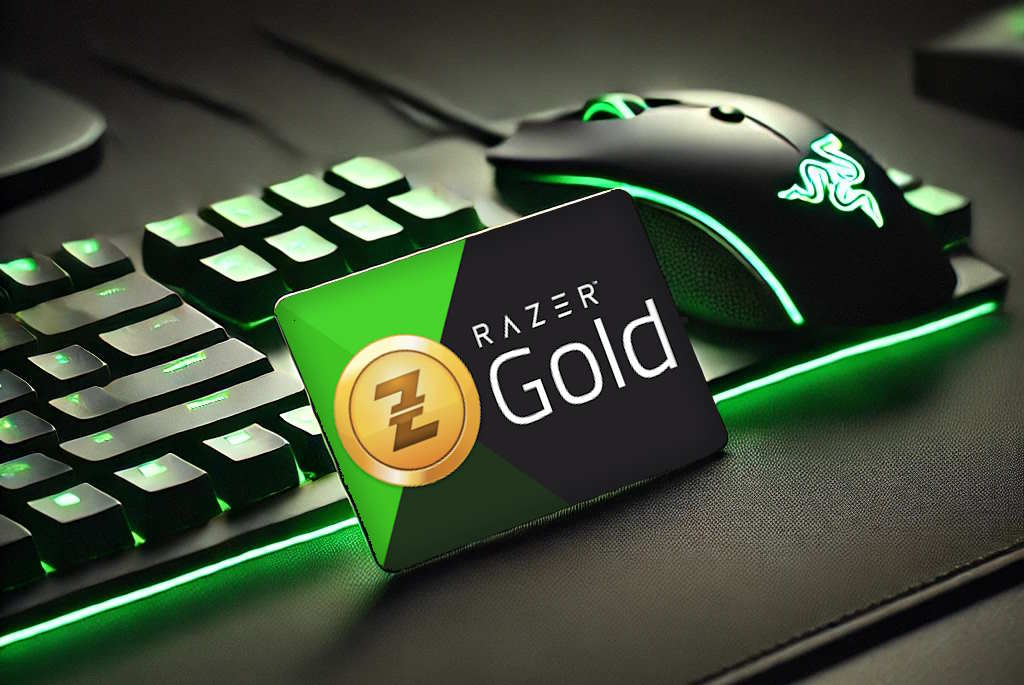
Ever wondered if your Razer Gold gift card still has money left, or if it's already been partially used?
Imagine trying to buy that in-game item only to find out your card isn't having enough balance. Frustrating, right? That's why it is important to check Razer Gold gift card balance and practice as the first step before making any purchase or selling it online.
Many gamers and digital traders often overlook this simple step, but it can save a lot of time, money, and frustration. In this guide, we'll show you exactly how to check your Razer Gold gift card balance online, why it matters, and how you can sell your gift cards safely on Cardsoon. Whether you're a gamer looking to maximize your digital currency or someone wanting to turn unused gift cards into instant Naira, this blog is for you.
Why is it Important to Check Your Razer Gold Gift Card Balance?
Avoids Transaction Failures
If you try to purchase in-game items or credits without knowing your card's balance, you might find yourself unable to complete the transaction. This is especially frustrating during limited time events or when trying to buy rare items.
Prevents Underpayment When Selling
If you plan to sell gift cards in Nigeria, knowing the exact balance is essential. Selling without verification could result in receiving less than your card's true value. Accurate balance checks guarantee you get the fair payout you deserve.
Keeps Your Digital Wallet Organized
Many people accumulate multiple gift cards, some partially used, and forget what's left on each. Regular Razer card balance checks help you track your funds, avoid redundant purchases, and manage your cards efficiently.
Enhances Security
Verifying your Razer card's balance can alert you if a card has been partially used, compromised, or tampered with. This simple step ensures that your gift card is safe before you spend it or decide to sell it online.
Checking your balance may take a few seconds, but it protects both your money and your peace of mind.
How to Check Razer Gold Gift Card Balance Online Using the Website?
If you've never checked a gift card balance before, don't worry. It's way simpler than you might think. Here's a step-by-step guide that even first-time users can follow easily.
Step 1: Visit the Official Razer Gold Website
Start by opening the official Razer Gold website in your browser. Avoid third-party sites or apps claiming to check balances, as they could be fraudulent or steal your information.
Step 2: Navigate to the Balance Check Section
Once you're on the homepage, look for the "Check Balance "section. Depending on your region, you might need to log into a Razer Gold account first. This is completely normal, and logging in adds an extra layer of security to your balance check.
Step 3: Enter Your Card Details
At this step, you will need:
● Card Number: Found on the back of a physical card or in your email for an E-code. Always enter it exactly as shown.
● PIN Code: Scratch off the panel on the physical card or check the email for the E-code PIN.
Take your time entering these details. Even a single wrong digit can lead to an error or incorrect balance reading.
Step 4: Submit and Verify
Click the “Check Balance” or “Submit” button. Within seconds, your remaining balance will appear on the screen. This shows exactly how much digital currency you have available for purchases or conversion to Naira.
Other Methods to Check Razer Gold Gift Card Balance After Redemption
Checking your Razer Gold balance isn’t limited to the website. If you have already redeemed your card and the web method feels long or you prefer something quicker, here are other reliable options you can use.
1. Use the Razer Gold Mobile App
If you regularly use Razer Gold, this is actually the most convenient method. Simply download the official Razer Gold app on Android or iOS. After logging into your account:
● Your available balance is displayed directly on your dashboard.
● Any recent top-ups or redemptions are visible in your transaction history.
The app is useful because you don't need to re-enter your card details every time. Once your gift card is redeemed into your Razer Gold wallet, the balance updates automatically. It's clean, simple, and ideal for people who manage multiple gift cards.
2. Contact Razer Support
Sometimes, checking your Razer Gold gift card balance may not go as expected. If you notice something unusual, contacting official support is the safest option. This method works both before redemption and after redemption, depending on the problem.
Before Redemption:
You should contact support if:
● The card shows as invalid
● The PIN code is not working
● The balance is not loading
● You suspect the card has already been used
In these cases, the issue is related to the gift card itself. It's better to resolve it before attempting redemption again.
After Redemption
You can also contact support if:
● The redeemed amount is not reflected in your wallet
● The card shows used but your balance did not update
● Your wallet balance appears incorrect
Here, the issue is related to your account or wallet, not the physical or digital card.
To get help, visit the official Razer website and reach out through their support section. You may be asked to provide your card details and proof of purchase for verification.
When Should You Check Razer Gold Gift Card Balance?
Before using or selling your card, it's always smart to pause for a quick balance check. Many users only remember to check Razer Gold gift card balance after something goes wrong, like a failed payment or a lower payout than expected. But doing it at the right time can save you from unnecessary stress.
Here are the key moments when you should never skip a balance check:
Before Making In-Game Purchases
Always confirm your available funds before buying credits, skins, or upgrades. Even a small shortage can interrupt your transaction.
Before Selling Your Gift Card
If you plan to trade your card in Nigeria, knowing the exact balance ensures you receive the correct value and avoid disputes.
After Redeeming a Code
Redemption errors can happen due to network or regional issues. A quick check confirms the funds were added successfully.
If the Card Has Been Unused for a While
Cards stored for weeks or months should be verified before use to make sure the balance remains intact.
When You Suspect Partial Usage
If a previous transaction failed or you shared the code for assistance, checking helps confirm whether any amount was deducted.
Making it a habit to check Razer Gold gift card balance at the right time keeps your transactions smooth and your funds protected.
Common Issues When Checking Razer Gold Gift Card Balance
Process to Check Razer Gold gift card balance is usually quick and straightforward, but sometimes things don't go as planned. Understanding what might go wrong and how to handle it can save you time and frustration. Here's what to expect:
Invalid Card Number or PIN:
Double-check your entries. Make sure every number and letter matches exactly, including hyphens or spaces. Mistyping is the most common reason balance checks fail.
Card Already Redeemed:
If your balance shows zero, the card might have already been used. This could happen if someone else used the card or a previous transaction didn't go through correctly. Contact Razer Gold support if you believe this is a mistake.
Website Errors:
Occasionally, the Razer Gold website may experience downtime or technical glitches. If this happens, try clearing your browser cache, switching devices, or checking back after a few minutes.
Region Restrictions:
Some gift cards are valid only in certain countries. Ensure your card is valid in your location; otherwise, the balance might not display correctly.
Being aware of these common issues will help you check your balance smoothly and avoid unnecessary frustration.
Checking your Razer Gold gift card balance is the primary step for getting the most value. Whether you're a gamer planning purchases or a trader looking to sell using the best gift card trading app with high rates, knowing your balance prevents frustration and ensures fair deals.
Next time you scratch that PIN or receive an e-code, don't let it sit idle. Check your balance online and sell on Cardsoon. It's fast, secure, and rewarding.
FAQs
1. How do I check Razer Gold gift card balance without an account?
You don't necessarily need a Razer Gold account to check your balance. Simply visit the official Razer Gold website, go to the “Check Balance” section, and enter your card number and PIN. The system will display the remaining balance instantly. This method is perfect for first-time users who only want to verify the card before making any purchases or selling it.
2. Can I check the balance of a Razer Gold e-code card?
Yes! Whether you have a physical card or a digital e-code, the process is the same. Enter the e-code details, including the PIN sent to your email, on the Razer Gold website to see your balance. This ensures you know exactly how much digital currency you have before spending or deciding to sell gift cards online.
3. How often should I check my Razer Gold gift card balance?
It's a good practice to check your balance regularly, especially if you use the card frequently or plan to sell gift cards in Nigeria. Frequent checks help you keep track of partial usage, prevent unexpected failures during purchases, and ensure that you are getting full value if you decide to trade it on platforms like Cardsoon.
4. What should I do if my balance does not display correctly?
If the balance appears incorrect or doesn't show at all, first double-check that you entered the card number and PIN correctly. If the problem persists, try clearing your browser cache or checking from another device. Still no luck? Contact Razer Gold customer support. Knowing your card balance is crucial before making purchases or trading it.
5. Is it safe to check Razer Gold gift card balance online?
Absolutely, as long as you use the official Razer Gold website. Avoid third-party websites or apps that claim to check balances, as they could compromise your card details. Checking your balance on the official platform ensures security while confirming how much you can spend or sell.