Airtel is one of Nigeria's biggest network providers, and one of its most useful features is data sharing. Whether you want to help a family member stay connected or split your data bundle with a friend, Airtel makes it possible quickly and without stress. Let us walks you through everything you need to know to share data on Airtel the right way.
What is Airtel Data Sharing?
Airtel data sharing is a feature that lets you transfer part of your active data bundle to another Airtel number. Maybe you have recharged your Airtel data pack, and you still have wifi in your home or office. In such cases, your recharged Airtel data is not usable for you, and it will simply expire after the recharge validity. Instead of letting your data go unused or expire, you can send it to someone who needs it, straight from your phone, no bank transfer or third-party app needed.
There are two methods to share data on Airtel in Nigeria. It works between Airtel numbers only. The data you share comes directly from your existing bundle, so whatever you give reduces your own balance. Simple as that.
1. Code to Share Data on Airtel
The fastest way to share data on Airtel is through a USSD code. This method is straightforward and works on any phone. You also do not need an internet connection, which makes it especially useful in low-network situations.
Here is the code to share data on Airtel:
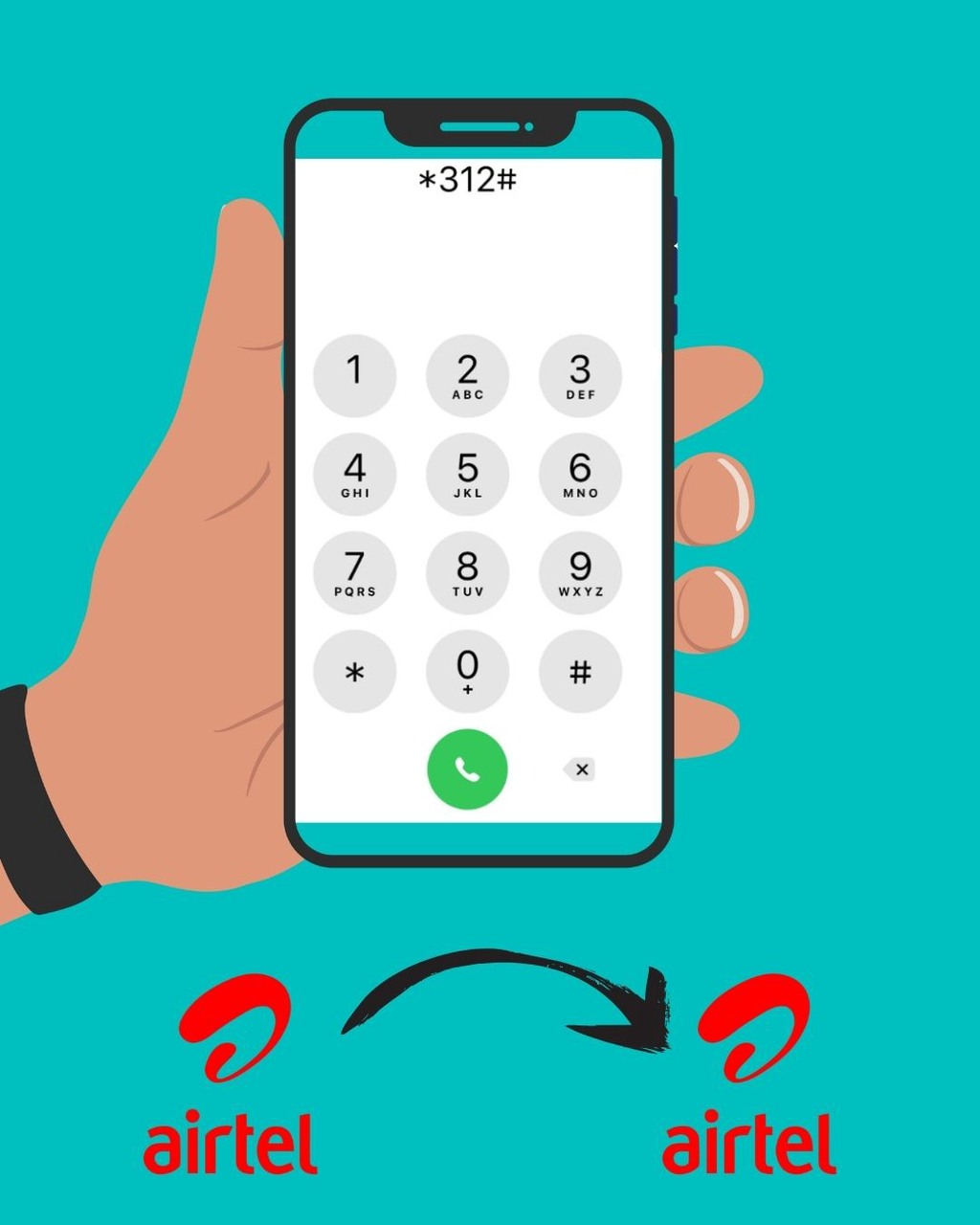
*312#
Dial this code and it will open Airtel's self-service menu, where you can navigate to the data sharing option. The process takes just a few seconds and works on both smartphones and basic phones.
Note: You will need a transfer PIN to complete the sharing process. The default PIN is 1234, but it is highly recommended that you change it for security reasons. You can manage your PIN by dialling *321#.
How to Share Data on Airtel Using USSD Code Step-by-Step?
Using the USSD code is straightforward, but here is the complete process, so nothing goes wrong:
1. Open your phone's dialer
2. Dial *312# and press the call button
3. From the menu, look for the "Gift" or "Share Data" option — select it
4. Choose "Data Me2U" to transfer data from your existing bundle
5. Enter the recipient's Airtel number and double-check it before proceeding
6. Specify the amount of data you want to share
7. Enter your transfer PIN to confirm the transaction
8. You will receive an SMS confirming the data transfer, and the recipient will also get a notification
That is all it takes. The process usually completes in seconds. But if you prefer doing things through an app rather than dialing codes, Airtel has that option too.
Eligibility to Share Data on Airtel
Sharing data on Airtel Nigeria is a simple feature, but it is not automatically available to every user in every situation. Airtel has a few basic requirements in place to ensure the service works smoothly and securely. Before attempting to transfer data, it is important to confirm that your line meets these conditions.
Here is what you need to qualify:
• Your SIM must be an active Airtel Nigeria line
• You must have an existing data bundle on your account
• The person you are sending to must also be on the Airtel network
• Your line must not be restricted or flagged by Airtel
Both prepaid and postpaid users can use this feature. However, the data you want to share must be enough to cover what you are sending. Airtel will not allow you to share more than your available balance.
2. How to Share Data on Airtel via the MyAirtel App?
If you are someone who likes managing everything from one place, the MyAirtel app lets you share data on Airtel without touching the dialer. Here is how to do it:
1. Download the MyAirtel app from the Google Play Store or Apple App Store
2.Log in with your Airtel number
3. Tap on "Data" from the home screen
4. Select "Share Data"
5. Enter the recipient's Airtel number
6. Choose the amount of data you want to send
7. Confirm the transfer and wait for the success notification
What makes the app easier to use:
• Your current data balance is displayed clearly before you share
• You often get predefined data options, reducing manual errors
• The interface helps you avoid mistakes like entering the wrong format
• You receive instant confirmation inside the app, along with SMS alerts
Just like the USSD method, the transfer usually completes within seconds, and the recipient is notified immediately.
Before you proceed with any transfer, it is always smart to check your data balance. Because that determines whether your request will go through successfully or not.
How to Check Your Airtel Data Balance Before Sharing?
Before sharing data on Airtel, it is important to confirm your remaining balance. This helps you avoid failed transfers caused by insufficient data. For example, if you attempt to send 1GB but only have 800MB available, the request will not be completed.
Here are the ways to check your Airtel data balance:
• Dial *140# — This is the quickest way. Airtel will send you an SMS with your current balance.
• Dial *123# — This opens the Airtel self-service menu where you can check balance and other account details.
• Use the MyAirtel App — Your data balance is displayed on the home screen once you log in.
Check your balance first, then decide what you can comfortably share. And before you hit send, make sure you are also aware of the limits Airtel places on data sharing.
Airtel Data Sharing Limits and Rules
Airtel allows flexible data sharing, but there are specific conditions in place to ensure fair usage and system stability. Understanding these rules helps you avoid failed transfers and confusion during the process.
Here are the key limits and rules you should know:
• You can only share data with other Airtel Nigeria numbers
Airtel does not support cross-network sharing. The recipient must be on Airtel for the transfer to work.
• Minimum shareable amount is 10MB
You cannot send very small amounts below this threshold. Any request under 10MB will not be processed.
• You cannot share more than your available balance
The system strictly deducts from your current data balance, so insufficient balance will automatically cause the transfer to fail.
• Shared data keeps the original validity period
If your bundle expires in 3 days, the recipient also gets only 3 days of validity. It does not reset or extend after sharing.
• You can share with multiple people, but one transfer at a time
There is no limit to the number of recipients, but each transaction must be initiated separately.
• Some data bundles are not eligible for sharing
Promotional, bonus, or special offer data packages may be restricted. Only standard purchased data plans typically support sharing.
Following these rules ensures smoother transactions and reduces the chances of failed or reversed requests.
Conclusion
Sharing data on Airtel in Nigeria is one of the easiest things you can do on your phone either through a USSD code or the MyAirtel app. As long as your line is active and your balance is enough, the process takes less than a minute.
And while you are thinking about staying connected, but no one is there to help you to share data, Cardsoon makes it even easier. With the Cardsoon app, you can buy airtime and data for any major network in Nigeria including Airtel and pay your utility bills all in one place. If you have unused gift cards lying around, Cardsoon handles gift card trading at the best rates, so you can turn them into cash and use them for anything, including topping up your data. No stress, no running around. Just open the app, and you are good to go.
Download the Cardsoon app today and keep yourself and the people around you connected.
FAQ
1. What is the code to share data on Airtel in Nigeria?
The code to share data on Airtel is *312#. Airtel will process the transfer instantly and send you a confirmation SMS
2. Can I share data on Airtel to an MTN or Glo number?
No, Airtel data sharing only works between Airtel Nigeria numbers. You cannot transfer data to a line on a different network like MTN, Glo, or 9mobile. Both the sender and recipient must be active Airtel subscribers.
3. What is the minimum amount of data I can share on Airtel?
The minimum data you can share on Airtel is 10MB. Anything below that will not go through. Make sure the amount you want to send meets this minimum requirement before initiating the transfer.
4. Can I share Airtel data using the MyAirtel app?
Yes, the MyAirtel app allows you to share data on Airtel without using a USSD code. Simply log in, go to the Data section, select Share Data, enter the recipient's number and the amount, then confirm. The app also shows your current balance upfront.
5. How many people can I share Airtel data with?
You can share data with multiple Airtel numbers, but each transfer has to be done separately. There is no group transfer option. As long as your balance is sufficient, you can initiate as many individual transfers as you need.
6. Is Airtel data sharing available for all data plans?
Not all plans support data sharing. Standard purchased bundles generally qualify, while some special, discounted, or promotional plans may not. Always check the details of your current plan to confirm if sharing is allowed.