LinkedIn Premium has become the go-to tool for Nigerian professionals who want better visibility, more InMail credits, and access to salary insights that regular LinkedIn users never see. Whether you are job hunting, prospecting for clients, or hiring for a growing team, the premium tiers unlock features the free version simply does not offer.
The problem is that LinkedIn bills in US Dollars, and most Nigerian bank cards were never built for that kind of transaction. If your payment has failed at checkout or your card got flagged mid transaction, you are not alone. Thousands of Nigerian professionals hit this same wall every month. Here we will break down exactly why it happens, how to fix it for good and how you can resolve this easily if you have a Virtual Dollar card.
Why Can't You Pay for LinkedIn Premium with a Nigerian Bank Card?
Most Nigerian debit cards are not built for dollar transactions. LinkedIn processes payments strictly in USD, and Nigerian bank cards, including Verve and most local Mastercard or Visa debit cards, run into trouble the moment that currency mismatch hits.
Here is what typically goes wrong:
• Your bank blocks the transaction outright due to CBN foreign exchange restrictions.
• Your monthly foreign currency spending limit gets exceeded, causing an instant decline.
• The payment goes through initially, then gets reversed days later after your bank flags it as suspicious.
• Renewal payments fail even when the first payment succeeds, because your FX limit resets or tightens.
The result is a subscription that keeps breaking at the worst possible time. Losing premium access mid job search or mid sales campaign is common, and it usually happens without warning.
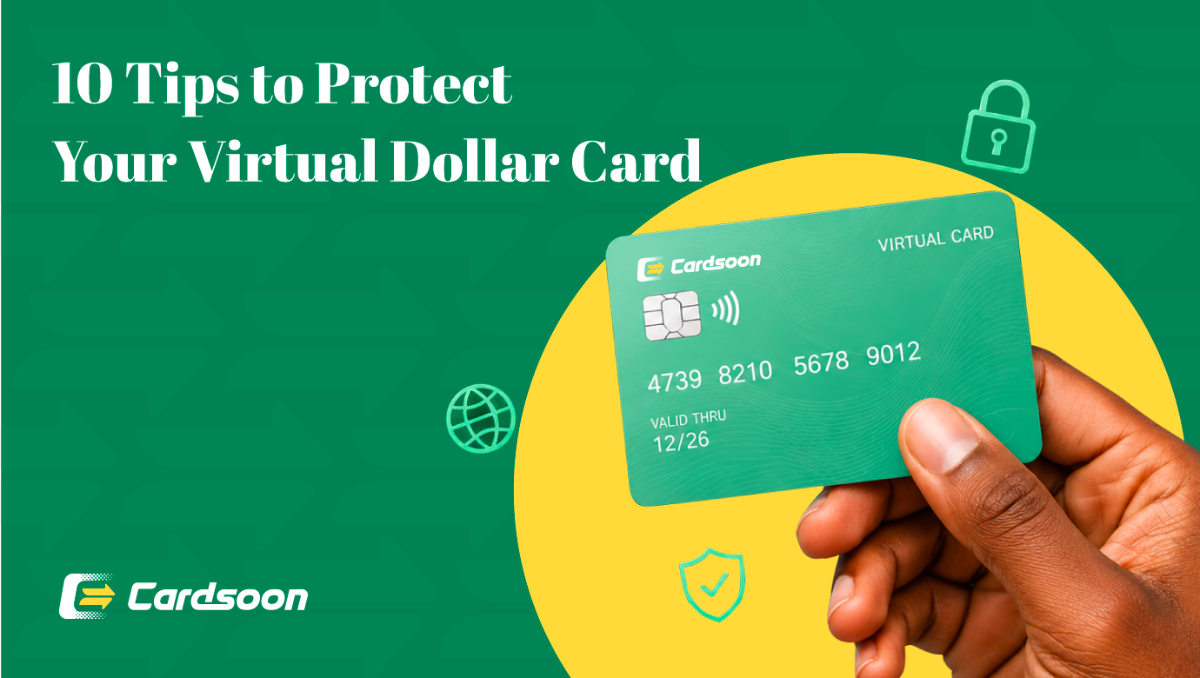
This is exactly why so many Nigerians turn to Virtual Dollar cards for subscriptions like LinkedIn Premium. A virtual dollar card handles USD billing without triggering the restrictions tied to regular naira cards, giving you a stable way to stay subscribed.
How Much Does LinkedIn Premium Cost?
LinkedIn offers several premium tiers, and the right one depends on what you are trying to achieve.
| Plan | Monthly Price | Annual Price | Main Purpose |
| Premium Career | $39.99/month | $239.88/year | Job seekers and professionals |
| Premium Business | $69.99/month | $539.88/year | Business networking and prospecting |
| Premium All-in-One | $89.99/month | $899.88/year | Small businesses |
| Sales Navigator Core | $119.99/month | Varies by billing | Sales and lead generation |
| Sales Navigator Advanced | $159.99/month | Varies by billing | Sales teams |
| Recruiter Lite | $170/month | $1,680/year | Recruiters |
• Prices are billed in US Dollars no matter where you are subscribing from. LinkedIn adjusts pricing occasionally, so confirm current rates on LinkedIn's official pricing page before committing. Annual billing usually saves money over a full year, but it means a larger upfront cost, so weigh that against how consistently you plan to use the platform.
• A quick note on value for money: the jump from Premium Career to Premium Business is significant, so make sure the extra features actually match your goals before upgrading. Someone job hunting rarely needs Sales Navigator's lead generation tools, and a recruiter rarely needs the job search features bundled into Premium Career. Match the plan to the outcome you are chasing, not just the name that sounds most impressive.
How to Subscribe to LinkedIn Premium Using a Virtual Dollar Card in Nigeria?
Getting your subscription active does not need to be complicated once you have the right payment method.
The process looks like this:
• Choose a virtual dollar card provider that supports recurring USD subscriptions.
• Fund your card with enough naira to cover your chosen plan and pay using Virtual Dollar card.
Once linked, LinkedIn bills your card automatically every month or year. You will not need to repeat this process unless your card expires or you switch providers.
Cardsoon Virtual Dollar card makes this entire flow simple, especially for professionals who just want their subscription to work without repeated failed transactions or bank alerts flagging the payment as suspicious.
How to Pay for LinkedIn Premium with Cardsoon Virtual Dollar Card in Nigeria?
Getting a Virtual dollar card in Nigeria from Cardsoon solves most of the friction people run into with traditional bank cards.
Here is how it works:
1. Sign up on Cardsoon and complete the required verification steps.
2. Create a virtual dollar card from your dashboard, choosing your funding amount based on your LinkedIn plan.
3. Fund the card by trading any supported gift cards.
4. Use the generated card details on LinkedIn's payment page to complete your subscription.
5. Keep the card funded ahead of your renewal date, so LinkedIn does not interrupt your access.
No domiciliary account. No paperwork. No waiting days for approval. Cardsoon virtual cards can be created and funded within minutes, making it practical whether you are subscribing for the first time or switching away from a card that keeps declining.
This matters most for professionals working against a deadline. If you are applying for jobs this week and need Premium Career activated today, waiting for a bank appointment or a physical dollar card is not realistic. A virtual card removes that bottleneck entirely.
Why Use a Cardsoon Virtual Dollar Card to Pay for LinkedIn Premium?
Not all virtual dollar cards are built the same way, and the difference shows up the moment your subscription tries to renew. Here is what sets Cardsoon Virtual Dollar card apart for LinkedIn payments specifically.
• Reliable recurring billing support. LinkedIn charges automatically every month or year, and Cardsoon cards are built to handle that pattern without triggering false decline flags.
• Fast card creation. You can generate a card and start funding it within minutes, with no domiciliary account or paperwork required.
• Naira funding, dollar spending. You fund the card in naira through bank transfer, and it handles the conversion, so LinkedIn sees a standard USD payment.
• Fewer failed transactions. Because the card is designed for international subscription billing, you avoid the random declines that come from banks flagging foreign charges as suspicious.
• Full visibility over your balance. Your Cardsoon dashboard shows exactly how much is on the card, so you can top up ahead of your renewal date instead of guessing.
For anyone tired of losing LinkedIn Premium access mid subscription, this reliability is real value. A card that works consistently every renewal cycle means one less thing to worry about while you focus on the job search, sales pipeline, or hiring process that makes you subscribe in the first place. Like, you can use Cardsoon Virtual Dollar card to pay for ChatGpt Plus in Nigeria and even pay for Netflix like entertainment platforms too.
Common Issues When Paying for LinkedIn Premium and How to Fix Them
Even with a virtual dollar card, a few issues can still show up. Knowing how to spot and fix them quickly saves you from losing access at an inconvenient time.
1. Insufficient balance at renewal time.
• This is the most common one. LinkedIn tries to charge your card automatically, and if the balance is not enough, the renewal fails and your premium features get suspended.
• Fix: fund your card a few days before your billing date.
2. Currency conversion mismatches.
• If your provider's exchange rate calculation does not match what LinkedIn expects at the exact moment of charging, the payment may bounce.
• Fix: fund with a small buffer above the exact dollar amount.
3. Card details entered incorrectly.
• A single wrong digit in the card number, expiry date, or CVV will trigger a decline.
• Fix: double check every field before submitting payment.
4. Subscription showing as cancelled unexpectedly.
• This usually happens after a renewal attempt fails multiple times.
• Fix: fund your card properly, then manually restart your subscription from LinkedIn account settings.
FAQs
1. Can I pay for LinkedIn Premium with Naira?
No. LinkedIn bills exclusively in US Dollars. You need a card that supports USD transactions, such as a virtual dollar card, even though you fund it with naira.
2. Does LinkedIn Premium accept Nigerian bank cards?
Some work occasionally, but many get declined due to foreign transaction restrictions set by local banks. A virtual dollar card avoids this problem entirely.
3. How do I subscribe to LinkedIn Premium from Nigeria?
Get a virtual dollar card, fund it with enough naira to cover your chosen plan, and enter the card details at LinkedIn checkout.
4. What is the cheapest LinkedIn Premium plan?
Premium Career, at $39.99 per month, is the most affordable individual plan and the best starting point for job seekers.
5. Can I cancel LinkedIn Premium anytime?
Yes. Cancel from your LinkedIn account settings at any time. Premium features stay active until the end of your current billing cycle.
Ready to Subscribe Without the Payment Stress?
Paying for LinkedIn Premium in Nigeria does not have to involve failed transactions or bank alerts interrupting your subscription. With a Virtual dollar card in Nigeria from Cardsoon, you can fund your account in minutes and keep your premium features active without the usual back and forth. Sign up today and get your LinkedIn subscription working the way it should.