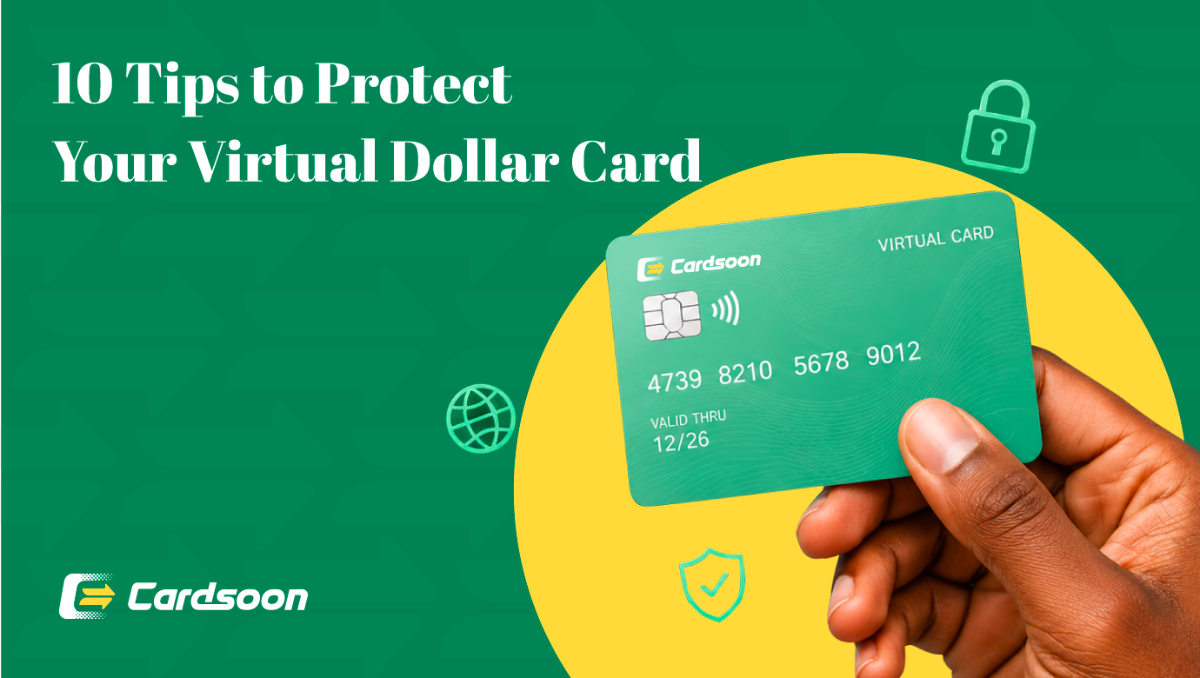
Paying for Amazon Web Services from Nigeria doesn't have to be a struggle. The simplest and most reliable way to do it is with a Cardsoon Virtual Dollar Card as this means no failed transactions, no bank restrictions, no surprises. You create the card in minutes, load it with naira, and Amazon Web Services bills it like any regular international card. That's it. In this blog, let us walk you through exactly how to set it up, step by step.
Why Nigerian Cards Get Rejected on Amazon Web Services?
Before the steps, here's the quick context on why your regular bank card probably doesn't work.
Amazon Web Services bills in USD on a recurring basis. Nigerian naira debit cards, even the Visa and Mastercard-branded ones, are either blocked for international transactions or have such tight dollar limits that they fail on the initial Amazon Web Services authorization charge. Even Nigerian-issued dollar cards often get flagged because Amazon Web Services treats them as high-risk due to BIN-level restrictions at the issuing bank.
The result is that your instance keeps running, the invoice arrives, and the payment fails. Amazon Web Services then suspends access. A virtual dollar card issued outside the Nigerian banking system bypasses all of this entirely.
What You Need Before You Can Pay for Amazon Web Services?
- A Cardsoon account (free to create)
- Naira in your Cardsoon wallet to fund the card
- An Amazon Web Services account (or you're creating one)
- A stable internet connection
Step-by-Step: How to Pay for Amazon Web Services in Nigeria Using Cardsoon
Step 1: Download and Set Up Cardsoon
Download the Cardsoon gift card trading app on iOS or Android and sign up. Complete the quick verification — it takes a few minutes. Once verified, you'll have access to your Cardsoon wallet and the virtual card feature.
Step 2: Create & Fund Your Cardsoon Virtual Dollar Cards
From the app home screen, tap Virtual card. Select the type ( Visa or Mastercard), enter your contact details and finish the setup. Once the card is created, you will need to fund it. If you have money already on your Cardsoon wallet by selling gift cards, you can use it to top up your Virtual Dollar card. Cardsoon converts at competitive rates, you'll see the exact Naira equivalent before you confirm.
Step 3: Add the Card to Your Amazon Web Services Account
- Log in to your AWS Management Console at console.aws.amazon.com
- Click your account name (top right) → Account
- Scroll to Payment Methods → click Add a payment method
- Select Credit or debit card
- Enter your Cardsoon card details including Card number, Expiry date & CVV / Security code
- Enter your billing address (you can use your Nigerian address)
- Click Verify card and continue
Amazon Web Services will run a small temporary authorization charge (usually $1) to verify the card — your Cardsoon card handles this without issue.
Step 4: Set Cardsoon as Your Default Payment Method
Once added and verified, set the Cardsoon card as your default payment method on Amazon Web Services. This ensures all future invoices — compute, storage, data transfer — bill automatically without manual intervention.
Step 5: Set Up Billing Alerts (Recommended)
While you're in the AWS billing console, set up a CloudWatch billing alarm or use AWS Budgets to get notified when your spend approaches a threshold. This way you know when to top up your Cardsoon card before the invoice runs.
Go to: Billing Dashboard → Budgets → Create a budget and set your monthly limit.
Step 6: Keep Your Card Funded
Amazon Web Services bills at the end of each billing cycle. Before your billing date, top up your Cardsoon card via the app — it takes under a minute. Your Amazon Web Services resources continue running with zero interruption.
Why Choose Cardsoon Virtual Dollar Card for Amazon Web Services in Nigeria?
1. Cheapest Virtual Dollar Card — $1 Creation Fee
Most virtual dollar card providers charge between $2.5–$10 to create a card. Cardsoon charges just $1. For developers and startups managing tight budgets, that difference matters — especially if you're spinning up multiple cards for different Amazon Web Services accounts or projects.
2. Zero Monthly Maintenance Fee
Some providers charge a monthly fee just to keep your card active. Cardsoon doesn't. Once you create your card, there's no recurring charge eating into your balance. Your card stays active as long as you need it, at no extra cost.
3. Accepted on Amazon Web Services and Multiple Platforms
The Cardsoon Virtual Dollar Card is accepted across major international platforms — not just Amazon Web Services. The same card works on:
Amazon Web Services (EC2, S3, Lambda, RDS, and all services)
Google Cloud Platform
Microsoft Azure
Netlify, Vercel, Heroku
Stripe (for testing and transactions)
Apple Music, Spotify, Netflix
ChatGPT Plus, Midjourney, and other AI tools
Meta Ads, Google Ads
Read more here:
https://blog.cardsoon.store/how-to-pay-for-google-ads-in-nigeria.html
https://blog.cardsoon.store/how-to-pay-for-tiktok-ads-in-nigeria-easily--hassle-free.html
4. Instant Card Creation & No Bank Queues
From the moment you decide you need a card to having Amazon Web Services verified and running, the entire process takes under 15 minutes. No branch visits, no domiciliary account requirements, no waiting for a physical card to arrive.
5. Funded in Naira, Billed in Dollars
You never have to source USD. You top up in naira from any Nigerian bank account, Cardsoon handles the conversion, and your card charges in dollars. The exchange rate is transparent — you see it before you confirm any transaction.
6. Built for Nigerian Developers and Businesses
Cardsoon understands the Nigerian market. The app is designed around the real challenges Nigerians face paying for dollar services — card rejections, naira conversion friction, lack of domiciliary accounts — and removes all of them.
7. Secure and Disposable
Each virtual card has its own card number and CVV. If you ever want to stop billing a particular service, you can delete the card and Amazon Web Services can no longer charge it. This gives you clean control over your subscriptions with no accidental charges, no awkward cancellation processes with a vendor.
FAQs
1. Will Amazon Web Services accept a Nigerian virtual dollar card?
Yes, what matters to Amazon Web Services is that the card is a valid USD-denominated card. Cardsoon virtual dollar cards meet that requirement. Nigerian bank naira cards don't.
2. What if Amazon Web Services charges more than my card balance?
Amazon Web Services will attempt the charge and fail if the balance is insufficient. Your account may be suspended. Always keep a buffer above your estimated monthly spend and set up billing alerts to stay ahead of it.
3. Can I use one Cardsoon card for multiple Amazon Web Services accounts?
Yes. You can add the same card to multiple Amazon Web Services accounts, or create separate cards for each account — at $1 per card, it's cost-effective to keep them separated for cleaner billing.
Conclusion
Amazon Web Services is a powerful infrastructure platform, and not being able to pay for it from Nigeria has blocked a lot of developers and businesses from using it properly. The Cardsoon Virtual Dollar Card removes that block entirely — cheapest creation fee in the market at $1, no maintenance fees, instant issuance, and accepted everywhere Amazon Web Services runs.
Create your card, fund it in naira, add it to Amazon Web Services, and you're running. No glitches, no rejections, no waiting.
Download Cardsoon today and get your Amazon Web Services account properly funded in under 15 minutes.