You can pay for CapCut Pro in Nigeria using a virtual dollar card and the Cardsoon virtual dollar card is currently the cheapest way to do it. Your regular naira debit card will almost certainly fail because Nigerian banks block most international subscription payments. In this guide, we explain exactly why payments fail, how to get a working dollar card, and the step-by-step process to subscribe to CapCut Pro without stress.
Why Can't You Pay for CapCut Pro in Nigeria With Your Regular Card?
If you've tried paying for CapCut Pro with your GTBank, Access, UBA, or Zenith naira card and hit a wall, you're not alone. This is one of the most common issues Nigerians run into when trying to subscribe to international apps.
Here's what's actually happening:
- Nigerian naira cards have restricted international spending limits. CBN regulations cap how much most naira cards can spend on foreign transactions — sometimes as low as $20–$50 per month. A single CapCut Pro subscription can burn through that fast.
- Banks block "digital goods" merchants. Many Nigerian banks specifically block payment categories like software subscriptions, app stores, and streaming platforms. CapCut Pro falls into this category.
- Recurring billing gets flagged. Even if your first payment goes through, banks often block subsequent auto-renewals because they flag the repeated international charge as suspicious.
- The result is always the same: payment failed, subscription not activated, frustration.
- The fix isn't to keep trying different naira cards. It's to use a card that was built for exactly this kind of transaction, a virtual dollar card.
What Is a Virtual Dollar Card and How Does It Solve This?
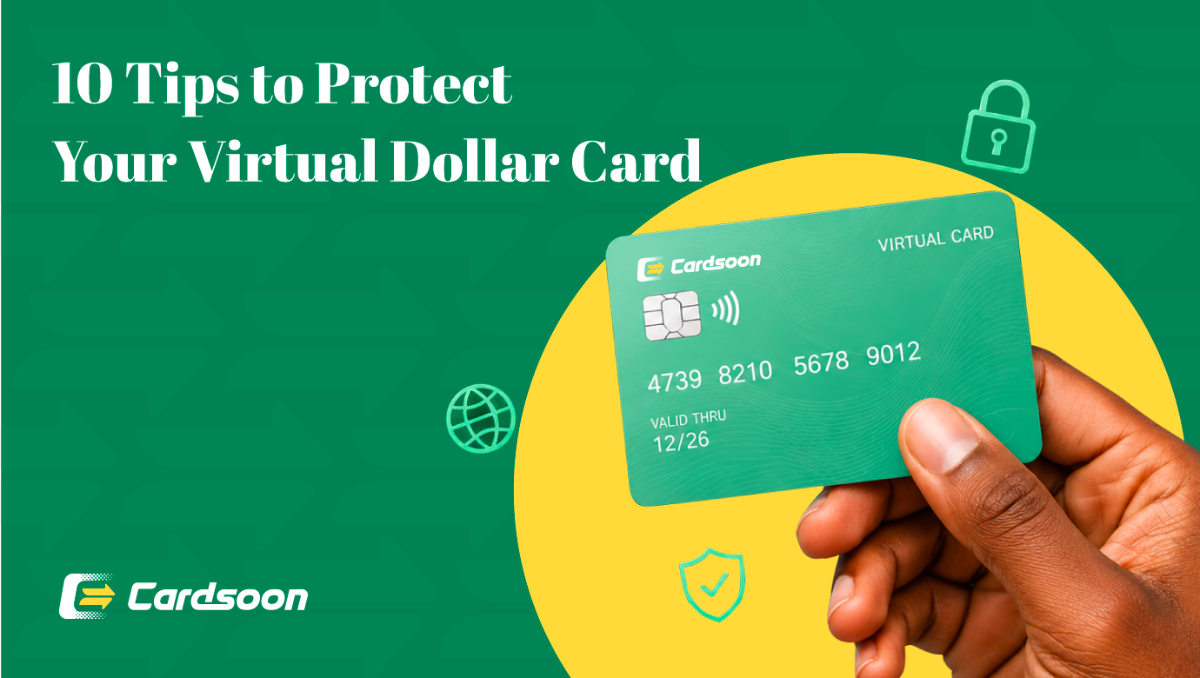
A virtual dollar card is a USD-denominated card that exists entirely online. It has a card number, expiry date, and CVV, just like your physical debit card but it's not tied to your Nigerian bank's restrictions.
Because it operates in dollars and is issued by an international payment network, platforms like CapCut process it without any of the friction that kills naira card payments.
You fund the card in naira from the Cardsoon, the best gift card trading app in Nigeria with high rates. The conversion happens automatically. Then you use the card details to pay for CapCut Pro (or any other international subscription) the same way you'd use any Visa or Mastercard.
Why the Cardsoon Virtual Dollar Card Is the Best Option to Pay for CapCut Pro
Not all virtual dollar cards are equal. Most of them will eat into your money through fees before you've spent a dollar. Here's what makes Cardsoon different:
- $1 card creation fee — the lowest in Nigeria. Most competitors charge $3–$10 just to generate your card.
- 1.5% funding charge — when you top up your card in naira, Cardsoon takes 1.5%. Competitors typically charge 2% or more.
- No monthly maintenance fee — your card stays active whether you use it once a month or ten times.
- Instant card creation — from the moment you complete setup, your card is live. No 24–48 hour wait.
- Works on Visa and Mastercard networks — CapCut and virtually every other major subscription platform accepts both.
How to Get a Cardsoon Virtual Dollar Card in Nigeria?
Before you can pay for CapCut Pro, you need the card. Here's how to set one up:
- Download the Cardsoon app on your Android or iOS device and create an account.
- Complete KYC verification — you'll need your phone number and BVN. This takes a few minutes.
- Tap on "Virtual Dollar Card" from the home screen.
- Choose your card type — Visa or Mastercard.
- Enter your contact details and tap "Create Virtual Card."
- Fund your card — add naira to your Cardsoon wallet by selling gift cards and transfer it to the card.
- Your card details (number, expiry, CVV) are available immediately after setup. Make sure you fund enough to cover at least one CapCut Pro billing cycle, plus a small buffer.
How to Pay for CapCut Pro in Nigeria Using Your Cardsoon Virtual Dollar Card?
Once your card is ready and funded, subscribing to CapCut Pro takes less than five minutes.
On iOS (iPhone):
- Open the CapCut app and go to your profile.
- Tap on "Pro" or "CapCut Pro" to see subscription options.
- Select your preferred plan — monthly or annual.
- You'll be directed to the App Store for payment. If your virtual dollar card isn't already added to Apple, go to iPhone Settings → [Your Name] → Payment & Shipping → Add Payment Method and enter your Cardsoon card details.
- Once the card is saved, return to CapCut and complete your subscription.
On Android:
- Open the CapCut app and navigate to the Pro subscription page.
- Choose your plan and proceed to payment.
- You'll be prompted to pay via Google Play. If your card isn't saved, go to Google Play Store → Profile Icon → Payments & Subscriptions → Payment Methods → Add a credit or debit card and enter your Cardsoon card details.
- Return to CapCut and confirm your subscription.
- On Web (capcut.com):
- Go to capcut.com and log in to your account.
- Click on "Pro" and choose a plan.
- At checkout, enter your Cardsoon virtual dollar card number, expiry date, and CVV directly into the payment form.
- Confirm billing details and complete the purchase.
Your CapCut Pro access activates immediately after payment confirmation.
What CapCut Pro Gives You That the Free Version Doesn't
If you're editing content for social media, YouTube, or client work, CapCut Pro is worth the upgrade. Here's what you unlock:
No watermark on exports — your videos come out clean, ready to post.
AI-powered features — text-to-video, AI background removal, AI colour grading, and more.
4K export quality — if resolution matters for your content, this is the plan you need.
Unlimited cloud storage — keep your projects saved without worrying about space.
Premium templates and effects — exclusive content not available on the free tier.
For content creators in Nigeria producing reels, TikToks, YouTube Shorts, or client videos, these features save time and elevate the output significantly.
Other International Subscriptions You Can Pay for With the Same Cardsoon Card
Once you have your Cardsoon virtual dollar card, you're not limited to CapCut. The same card works for any international subscription or platform that accepts Visa or Mastercard. A few you might already be looking to:
Pay for Telegram Premium — get ad-free messaging, faster downloads, and premium stickers.
Pay for Spotify Premium Subscription
Canva Pro, Adobe Creative Cloud, Spotify, ChatGPT Plus, Notion — all work with the same card.
One card. Fund it once. Use it across every platform you need.
FAQs
1. Why does my naira card keep getting declined on CapCut?
Nigerian naira cards are restricted from most international digital transactions at the bank level. Banks set low foreign spending limits and often block merchant categories like app subscriptions and digital services. CapCut Pro falls into this blocked category for most Nigerian cards. Using a virtual dollar card bypasses these restrictions entirely.
2. How much does it cost to create a Cardsoon virtual dollar card?
It costs $1 to create the card — a one-time fee. After that, Cardsoon charges 1.5% when you fund the card. There are no monthly maintenance fees.
3. Can I use the Cardsoon virtual dollar card for CapCut Pro on both iPhone and Android?
Yes. The card works on both iOS (App Store) and Android (Google Play), as well as direct web payments on capcut.com. You add the card details once to your app store account, and it handles billing from there.
4. Does CapCut Pro auto-renew? Will the Cardsoon card handle that?
Yes, CapCut Pro auto-renews at the end of each billing cycle. As long as your Cardsoon card has sufficient balance on the renewal date, the payment will go through automatically. Make sure you top up before your renewal date to avoid interruption.
5. Can I cancel CapCut Pro after subscribing?
Yes. You can cancel through the same platform you used to subscribe — App Store, Google Play, or CapCut's website — and your Pro access continues until the end of your paid period.
6. Is the Cardsoon virtual dollar card safe to use for subscriptions?
Yes. The card is a fully functional USD Visa or Mastercard. Your card details are kept secure within the Cardsoon app, and you only load what you need — so there's minimal exposure even if a merchant has a billing issue.
Conclusion
Paying for CapCut Pro in Nigeria doesn't have to be a battle. The reason your naira card fails isn't a CapCut problem — it's a bank restriction problem. A Cardsoon virtual dollar card solves it cleanly: $1 to create, 1.5% to fund, zero transaction fees, and it works on every subscription platform from CapCut to Canva to Telegram. Get your card set up once, and you'll never have to deal with a declined international payment again. Download the Cardsoon app and create your virtual dollar card in minutes.